
The Color Pattern feature is really just a way to give your customers predefined colors to use in their designs.
Here is how to create a new color pattern:
- Go to Allada > Color Palettes
- Click on the New palette

- Then enter the name for the color palette
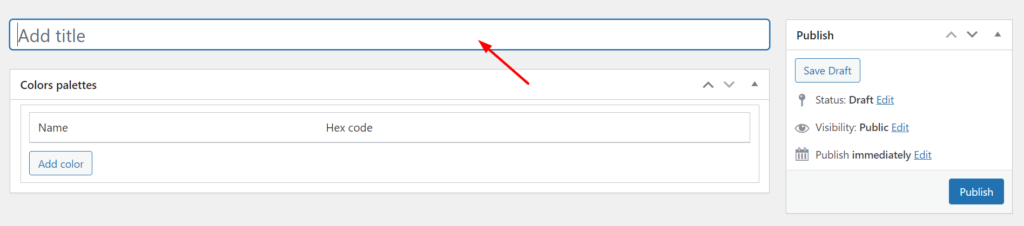 Click the “Add color button” to add a new color to your palette line
- Then you can enter the name of your color and that of the hex code
- Click on the publish button to save the color palette.
Still, need help? Kindly drop a comment or send us a message, we are always happy to help.